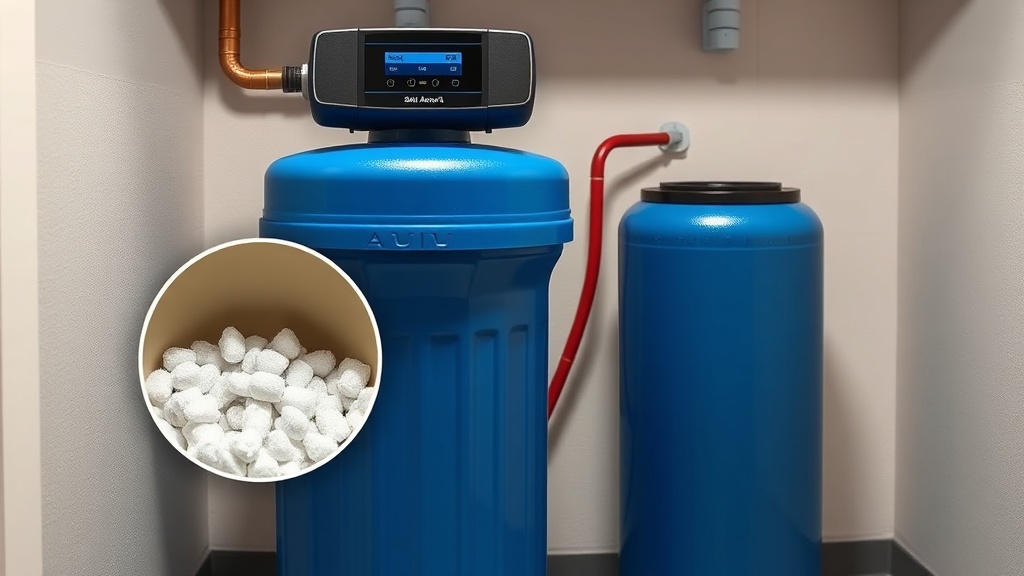
Aquasure Harmony Series Salt Level Optimization: How to Adjust for Maximum Efficiency
Maintaining your Aquasure Harmony Series water softener at peak performance requires careful attention to salt levels and regeneration settings. An improperly adjusted salt dosage not only wastes material but can lead to hard water breakthrough, costing up to $150 annually in excess salt consumption. This guide provides step-by-step methods to fine-tune salt settings based on your household’s actual water usage and hardness, ensuring you get the softest water without overspending.
1. Why Salt Level Optimization Matters for My Aquasure Harmony Series?
Salt is the engine of ion-exchange softening, but too little or too much can derail efficiency. The Harmony Series uses a demand-initiated regeneration system that measures water usage to trigger cleaning cycles. If salt levels are set too high, the brine tank fills with excess brine that is wasted during regeneration, costing roughly $80–$120 per year in extra salt. Conversely, low salt can leave resin beads partially unregenerated, causing scale buildup in pipes and water heaters—repairs that often exceed $500.
Optimization directly impacts water quality, equipment lifespan, and operational cost. For example, a household with 12 grains per gallon (gpg) hardness and 4 residents typically uses about 1.5 bags of salt monthly. Adjusting the salt dosage from 15 lbs to 10 lbs per regeneration (when hardness is moderate) can save nearly 40% on salt while maintaining soft water output. The Harmony Series controller allows adjustments in 1-lb increments, giving you fine control.
2. How to Check the Current Salt Setting on My System?
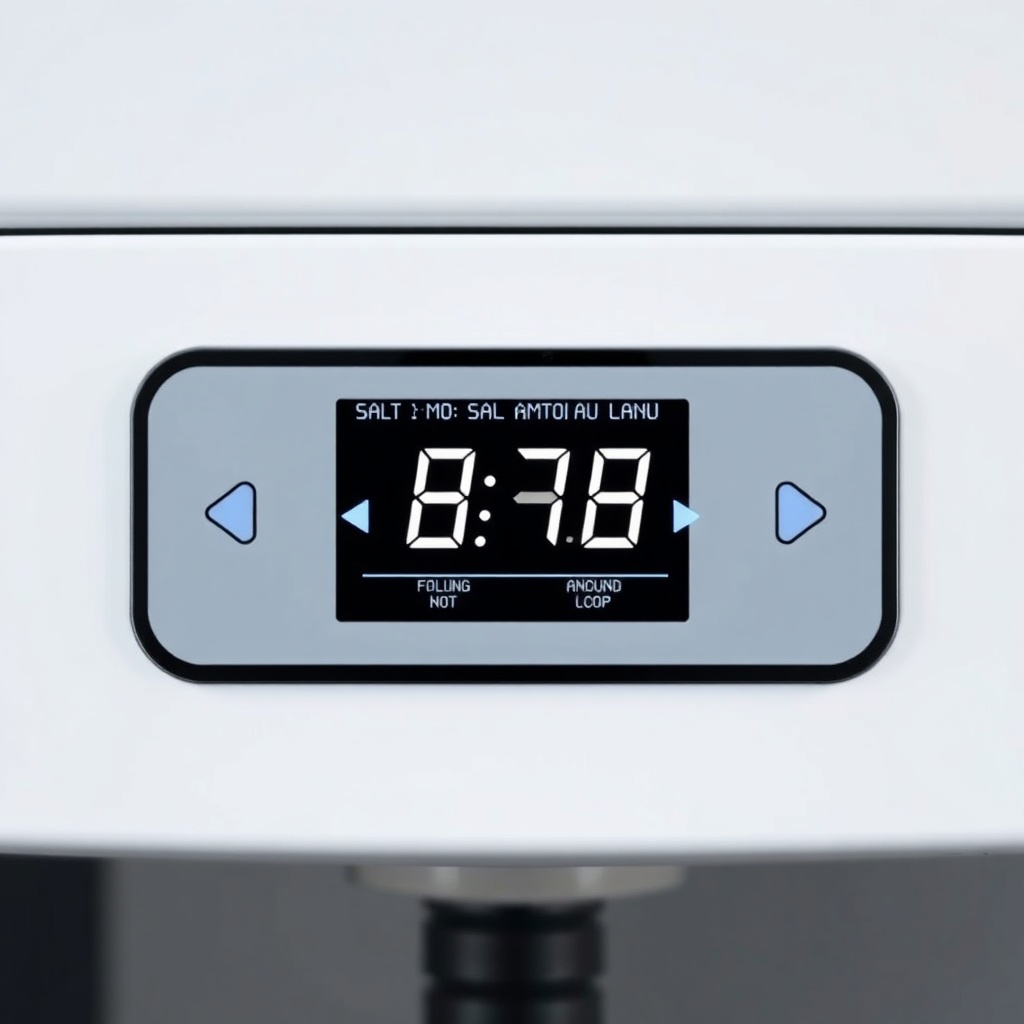
Accessing the salt dosage menu on your Aquasure Harmony Series is straightforward, but many users overlook it during installation. Start by locating the digital display panel—typically mounted on the control valve at the top of the resin tank. Press and hold the “Settings” button for 3 seconds until the display flashes “Salt Amount” or a similar prompt. Use the up/down arrows to scroll through the menu until you see the current value, measured in pounds (lbs) per regeneration.
Factory default settings often assume an average of 10 grains per gallon hardness. However, your local water may be harder or softer. To verify accuracy, check your municipal water report or use a home test kit (available for $15–$25). If your test shows 18 gpg, the default 8 lbs will likely be insufficient. Conversely, if you are at 6 gpg, reducing salt from 10 to 6 lbs can prevent waste. Write down the current setting before making changes—this gives you a baseline to compare performance later.
For those who have installed the system recently, reviewing the installation guide ensures you haven’t missed any calibration steps that affect salt measurement. Incorrect flow rate settings, for instance, can trick the controller into thinking less water was used, leading to under-regeneration.
3. What Is the Proper Salt Dosage for My Water Hardness Level?
Salt dosage is directly tied to water hardness and daily consumption. The Harmony Series uses a formula where each cubic foot of resin typically requires 6–15 lbs of salt per regeneration. For most 32,000-grain systems (standard for a family of 4), a table helps visualize the relationship:
| Water Hardness (gpg) | Daily Water Use (gallons) | Recommended Salt per Regeneration (lbs) | Estimated Monthly Salt Bags |
|---|---|---|---|
| 5–7 | 80–100 | 6–8 | 0.5–1 |
| 8–12 | 100–150 | 8–10 | 1–1.5 |
| 13–18 | 150–200 | 10–12 | 1.5–2 |
| 19–25 | 200–250 | 12–15 | 2–3 |
Note that these are starting points. Actual needs vary based on iron content (each 1 ppm of iron requires an extra 1 lb of salt per regeneration) and water temperature. If you have tested for iron (common in well water), increase the dosage by 20–30% over the base recommendation. Running a regeneration test cycle—manually triggering a cleaning—can confirm that brine is drawn properly; if the water tastes salty afterward, your dosage is too high.
4. How to Adjust Salt Levels Using the Digital Controller?
The Aquasure Harmony Series digital interface simplifies adjustments through a menu-driven system. Once you have determined the new salt amount (e.g., changing from 10 to 8 lbs), follow these steps: Navigate to “Salt Amount” using the “Settings” button, then press “Enter.” Use the arrow keys to increase or decrease the value in 1-lb increments. Press “Enter” again to save, then exit. The controller automatically updates the regeneration schedule based on the new setting.
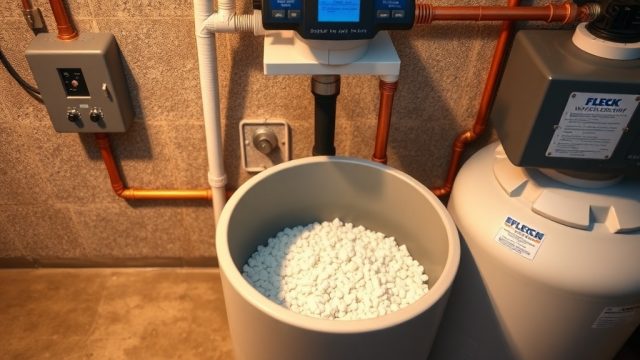
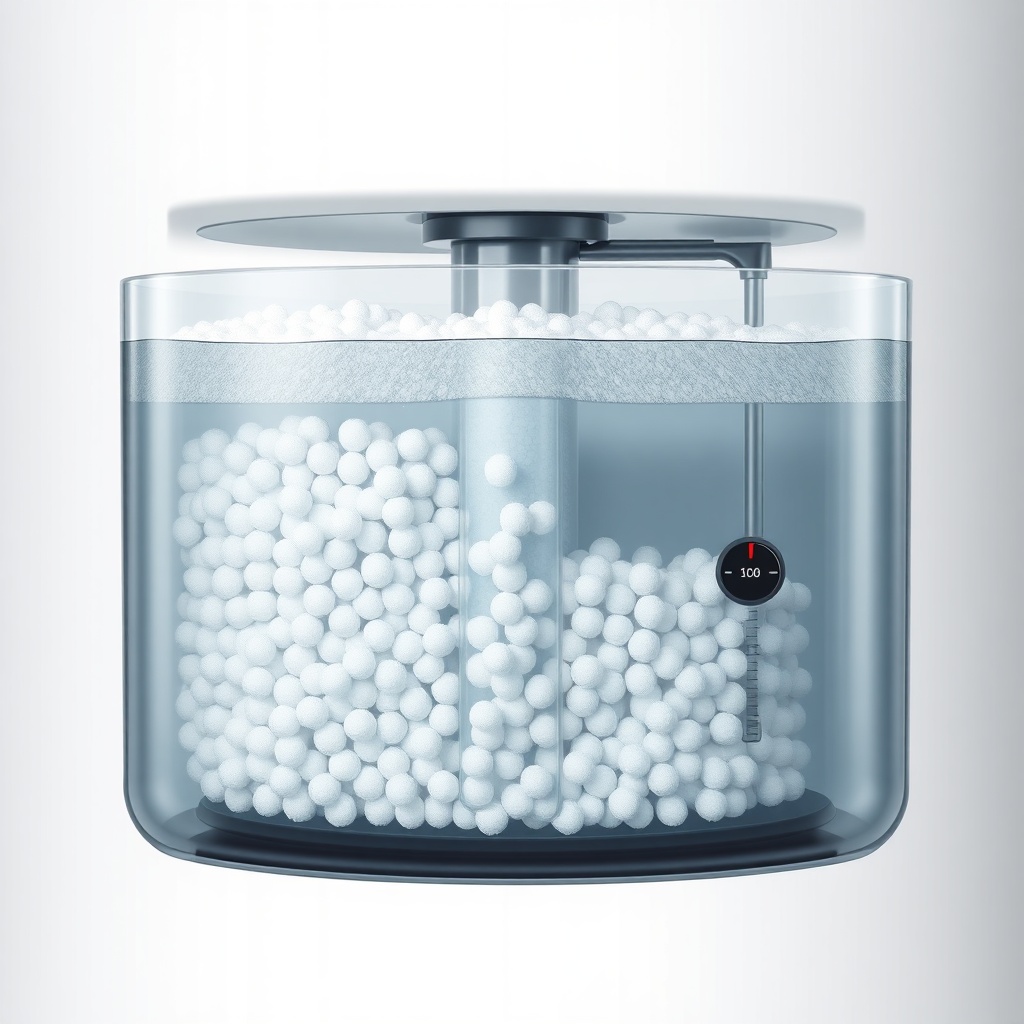
It is critical to also verify the brine tank salt level. After adjusting the dosage, check that the salt pellets remain at least 6 inches above the water level. If the water level is too high (above the salt bridge), adjust the brine refill time via the “Brine Fill” setting—typically 4–6 minutes for most households. A common mistake is adjusting salt dosage without also recalibrating the brine fill, which can lead to insufficient brine concentration. For a deeper dive into controller settings, explore the smart features guide for advanced programming options like delayed regeneration.
After making changes, run a manual regeneration cycle to test the new brine draw. Observe the brine tank during this cycle—water should drop as brine is pulled into the resin tank. If the level does not change, there may be a clog in the brine line or a malfunctioning valve. Consult the maintenance and cleaning guide for troubleshooting brine line obstructions.
5. How to Monitor Efficiency After Adjusting Salt Levels?
Post-adjustment monitoring ensures your optimization efforts are working. Over the next 1–2 weeks, check the softened water output using a hardness test strip (available for $10–$20 for a 50-pack). If the water tests at 0–1 gpg, your salt setting is correct. Readings above 1 gpg indicate under-dosing—increase salt by 1 lb increments until softness returns. Conversely, if you notice a salty taste in drinking water, your dosage is too high, and you should reduce it by 1–2 lbs.
Additionally, track salt consumption by marking the brine tank level weekly. A properly optimized system should use salt steadily without sudden drops. Most Aquasure Harmony models consume roughly 2–3 lbs of salt per 1,000 gallons of water softened under ideal settings. If you observe consumption exceeding that ratio, check for leaks in the bypass valve or a faulty brine seal. For energy-conscious users, the energy efficiency test can reveal if excessive regeneration cycles are driving up salt use (each extra cycle wastes about 0.5 lbs of salt).
Some owners report that adjusting salt levels also reduces the frequency of resin cleaning. The Harmony Series has a built-in resin cleaner feature, but optimizing salt reduces the need for chemical additives—saving both money and maintenance time.
6. What Owners Say About Salt Optimization on the Aquasure Harmony Series
Household feedback frequently highlights measurable savings after fine-tuning salt settings. One user in Phoenix, handling 15 gpg water, dropped salt use from 3 bags per month to 1.8 bags after reducing dosage from 12 lbs to 9 lbs per regeneration—saving approximately $72 annually. Another owner in Florida with well water containing 2 ppm iron reported improved water feel after increasing dosage by 1.5 lbs, eliminating occasional “slick” water sensations caused by under-regeneration.
The most common praise centers on the controller’s precision: owners note that the ability to adjust in 1-lb increments (versus 2-lb on older models) allows tighter tuning. However, some express frustration with the initial setup, particularly if the brine fill time is mismatched. Several recommend using the “Auto” mode for salt dosage after a week of manual calibration, as the system learns household patterns. For those considering salt-free conditioning instead of traditional softening, the salt-free benefits article explains the alternative approach—though most Salt Lake City users with hard water still prefer salt optimization for the lowest operating cost.
7. Frequently Asked Questions
Q1: How often should I check salt levels in my Aquasure Harmony Series?
Check salt levels monthly, but after any dosage adjustment, inspect weekly for the first two weeks to confirm the brine tank is refilling correctly.
Q2: Can I use solar salt instead of pellets for optimization?
Yes, solar salt works, but pellets dissolve more uniformly and reduce bridging. If using solar salt, clean the brine tank quarterly to remove undissolved residue.
Q3: My water still feels hard after adjusting salt—what went wrong?
First, verify hardness test results. If accurate, the issue may be a clogged resin bed (requiring cleaning) or an incorrect regeneration frequency setting. Review the maintenance guide for resin bed cleaning steps.
Q4: Does adjusting salt affect the system’s warranty?
No—the warranty covers manufacturing defects, and adjusting salt settings is standard operator control. However, using non-approved salt types (e.g., rock salt with high insolubles) could void coverage.
Q5: Is there a risk of over-salting my water heater?
Over-salting does not directly affect the water heater, but wasted salt adds to brine disposal and increases cost. Optimized settings prevent excess discharge into the septic or sewer.
Q6: What is the ideal water level in the brine tank during operation?
Water should be 2–4 inches below the top of the salt pellets. If water rises above pellets during the refill cycle, reduce the brine fill time by 1-minute increments until levels stabilize.