Aquasure Harmony Series Smart Features: Understanding the Digital Display
The Aquasure Harmony Series water conditioner elevates home water treatment with an intelligent digital display that puts real-time system data at your fingertips. This intuitive interface goes beyond simple indicator lights, offering precise control over regeneration scheduling, salt level monitoring, and diagnostic feedback. Understanding these smart features is key to maximizing performance and extending the life of your system.
What Does the Digital Display Show on the Aquasure Harmony Series?
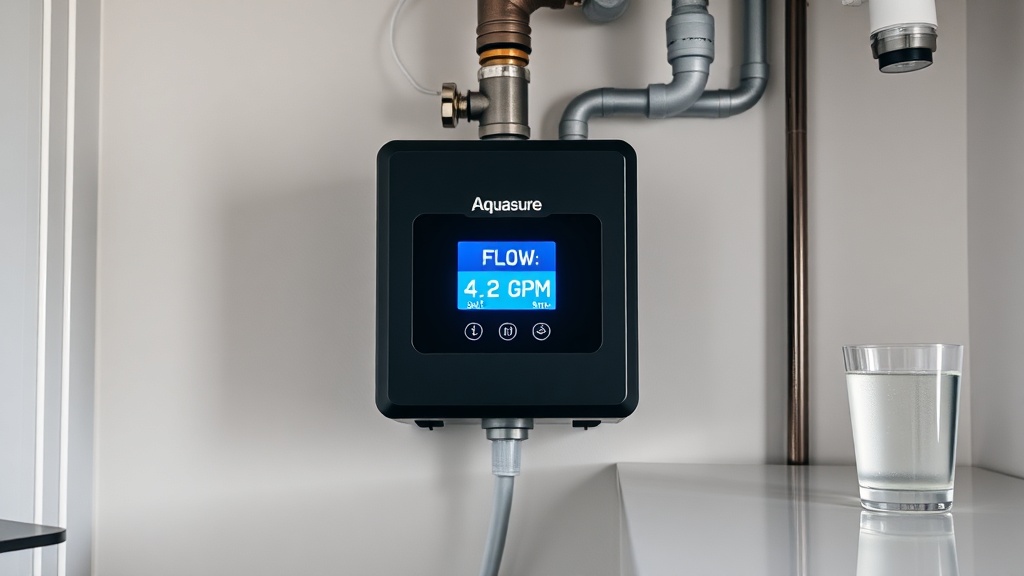
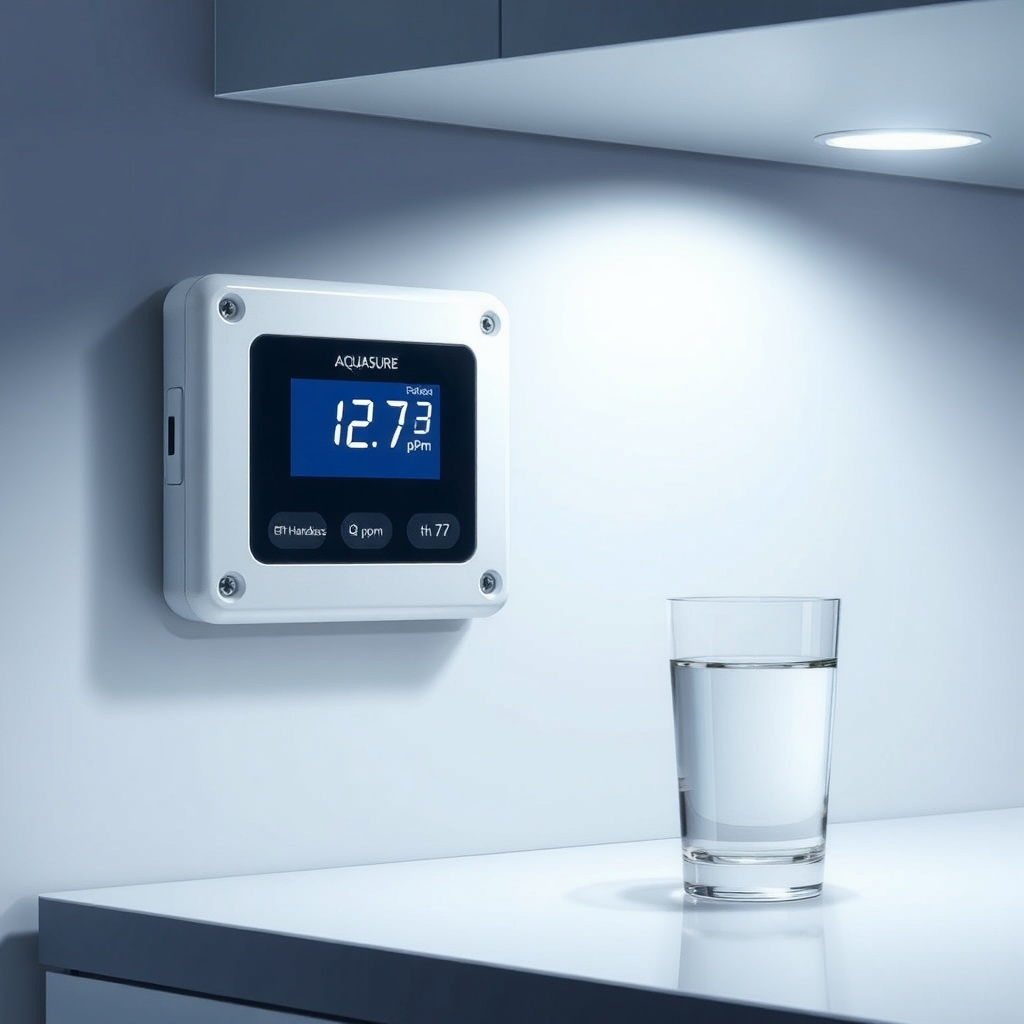
The main screen of the Harmony Series digital display provides a clear, backlit readout of essential operational metrics. By default, you’ll see a running clock (in 12- or 24-hour format), current flow rate in gallons per minute, and the total gallons of water processed since the last regeneration. Toggling through the menu reveals additional data: days until next regeneration, current salt level in the brine tank (measured in inches from the bottom), and any active error codes. The display uses soft-touch membrane buttons—no mechanical switches to wear out—and remains readable even in direct sunlight.
For households with varying water usage, the smart controller tracks historical consumption patterns. It shows a 7-day usage graph on the second screen, allowing you to spot unusually high-demand days (like holiday gatherings) that might trigger an unscheduled regeneration. This data syncs with the system’s adaptive logic, which learns your family’s weekly rhythm and adjusts the regeneration frequency automatically—typically saving 15–20% on salt and water compared to fixed-timer models.
How Do You Navigate the Digital Display Menus?
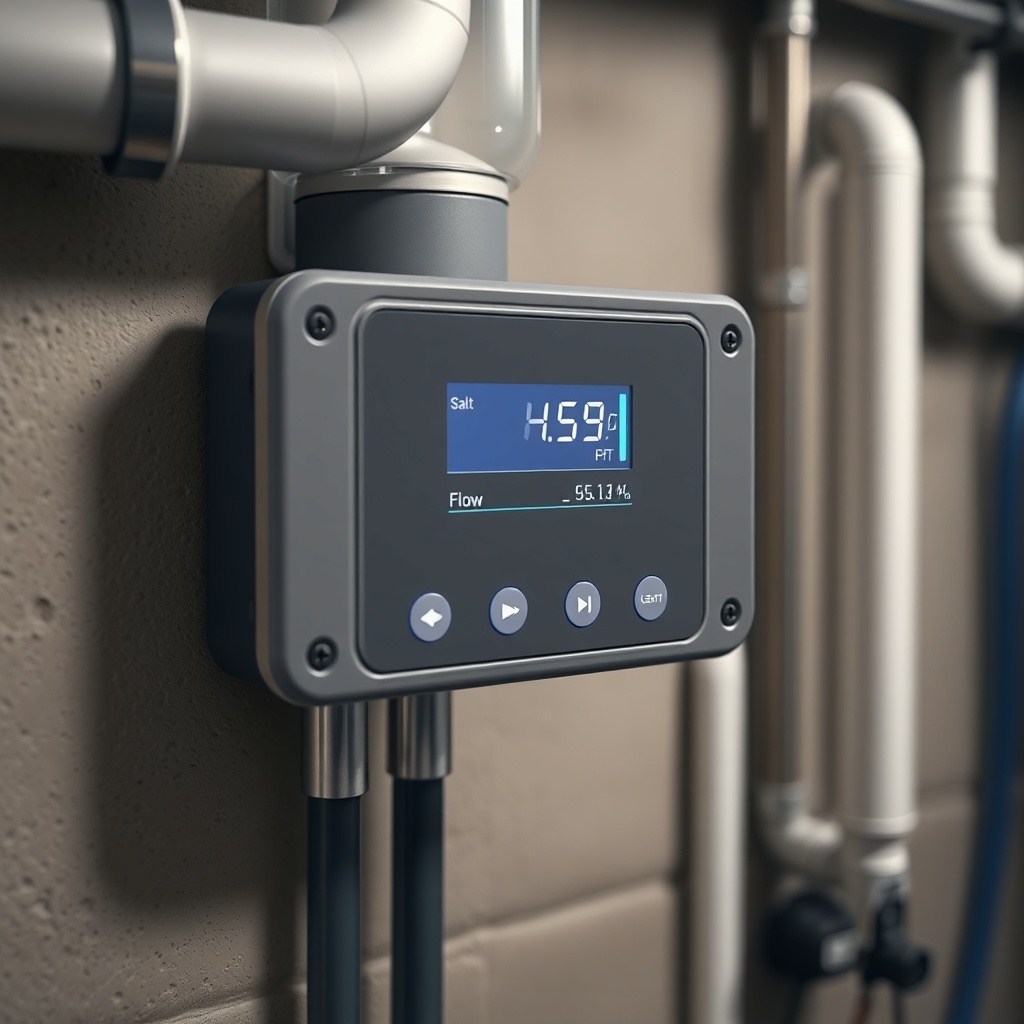
Navigating the Harmony Series interface is straightforward, even for first-time users. The control panel features four tactile buttons: Menu, Up, Down, and Enter. Pressing Menu cycles through six main categories—Settings, Diagnostics, Manual Regeneration, History, System Info, and Back. Within each category, Up/Down scroll through options, and Enter confirms a selection or activates a submenu. For example, under Settings you can adjust the regeneration time of day (default 2:00 AM), water hardness (adjustable from 1 to 50 grains per gallon), and system capacity (from 24,000 to 48,000 grains, depending on your model).
A useful shortcut: holding the Menu button for three seconds jumps directly to the Manual Regeneration screen, ideal for forcing a recharge after a known heavy-use event or before a power outage. The system also saves your last two menu positions when you exit, so returning to a frequently used screen takes one press instead of six. For users who prefer minimal interaction, the display has a “Sleep” mode—activated by holding Down for two seconds—that dims the backlight by 80% while still showing active error codes if they occur.
What Alerts and Error Codes Does the Display Provide?
The digital display serves as your first line of defense against common system issues. It flags problems with four alert levels, each with distinct on-screen behavior:
| Alert Type | What It Indicates | Recommended Action |
|---|---|---|
| Low Salt | Brine tank salt level below 6 inches | Add salt within 1–2 days; system will continue softening but regeneration efficiency drops |
| Service Soon | Preventive maintenance reminder (every 12 months or 50,000 gallons) | Schedule a system inspection; replace pre-filter if equipped |
| Leak Detected | Moisture sensor near brine tank activated | Immediately check for tank cracks or loose fittings; system will pause regeneration until resolved |
| Motor Stall | Regeneration cycle interrupted; valve motor unable to complete rotation | Power cycle system; if persists, inspect for debris in valve or call support |
| Flow Sensor Error | Turbine not registering flow; may be stuck or wiring loose | Reset system; check sensor connections on control board |
Error codes appear as “E01” through “E06” on the main screen, with a brief descriptor in the bottom line. The system logs the last five error events with timestamps in the Diagnostics menu, a feature that helps service technicians diagnose intermittent problems. Unlike many competitors, the Aquasure display does not rely on blinking LEDs—all alerts are text-based and remain visible until acknowledged, so you never miss a critical warning.
Can You Customize Regeneration Scheduling Through the Display?
Absolutely—and this is where the Harmony Series truly shines. The digital controller supports three regeneration modes accessible through the Scheduling submenu:
- Time-Initiated (Fixed): Regenerates at a set time every 1 to 14 days. Best for homes with remarkably consistent water usage, like a retired couple.
- Demand-Initiated (Metered): Regenerates only after a set volume of water (adjustable from 500 to 3,000 gallons) has been processed. The display shows remaining capacity in real time, so you know exactly how much soft water is left before a recharge.
- Smart Adaptive (Default): Combines meter data with historical patterns. The controller analyzes the previous seven days’ consumption and sets the next regeneration to occur during low-demand hours, typically between midnight and 4:00 AM. It also learns seasonal changes—for example, ramping up capacity slightly during summer irrigation months (if an outside hose is connected).
You can also fine-tune the brine refill volume (from 3 to 15 gallons) and regeneration cycle length via the Advanced submenu. These adjustments are saved to non-volatile memory, surviving power outages without resetting. For users migrating from a simpler system, the display includes a “Quick Start” wizard that walks you through the first five setup steps in under three minutes, complete with on-screen prompts.
How Does the Digital Display Help With Water Quality Monitoring?
Beyond basic flow and salt tracking, the Aquasure Harmony display offers two advanced water quality indicators. First, a conductivity sensor in the outlet line provides an estimated hardness reading after treatment—shown as “Eff. Hardness” in the Monitor screen, displayed in parts per million (ppm). Typical readings range from 1–30 ppm for a properly functioning system. If the value climbs above 50 ppm, the display suggests checking the salt level or increasing regeneration frequency.
Second, the system tracks water pH via a digital readout in the same menu (calibrated for city and well water). While pH isn’t directly adjusted by a conditioner, the readout helps homeowners identify potential corrosion issues. A stable pH between 6.8 and 8.5 indicates that the sacrificial anode rod is working. If you notice sudden pH shifts, the display recommends contacting a professional for a thorough water test—a proactive feature that can save hundreds in plumbing repairs.
For those who want even deeper insight, the display also logs peak flow rate over the last 24 hours. This data is useful for identifying pressure drops caused by clogged pre-filters or undersized plumbing. Provided that the system is properly installed, the digital readouts give confidence that your water quality remains consistent throughout the day.
What Do Owners Say About the Digital Display?
Long-term owners of the Aquasure Harmony Series consistently mention three real-world observations about the digital interface:
- “I check the flow rate more than I expected.” Many users report that seeing live GPM data helped them identify a leaky outdoor faucet that was wasting 2 gallons per hour. The display’s clarity makes it easy to spot anomalies between scheduled uses.
- “The error codes are actually useful.” Several homeowners shared that the “Low Salt” alert gave them a two-day buffer, unlike their previous system which only showed a blinking light. Text-based descriptors reduced confusion during troubleshooting.
- “The adaptive scheduling saved salt in our vacation home.” Owners with seasonal cabins appreciate that the smart controller automatically extends regeneration intervals when water usage drops below 50 gallons for three consecutive days—no manual adjustments needed when they leave or return.
One recurring critique: the backlight can be slightly dim in bright garages, but most find the readability acceptable. A small number of users noted that the initial menu navigation felt overwhelming, but the included Quick Start guide resolved this within a day. For additional installation and setup tips, see our Aquasure Harmony Series Installation Tips: Avoid Common Mistakes.
Frequently Asked Questions
Q1: Does the digital display work during a power outage?
A1: No, the display and controller require AC power to operate. However, the system stores all settings and usage history in non-volatile memory (EEPROM), so data is preserved. During an outage, the system will not regenerate but will resume normal operation once power is restored.
Q2: Can I pair the Aquasure Harmony display with a smartphone app?
A2: No, the Harmony Series does not include Wi-Fi or Bluetooth connectivity as of the current generation. All monitoring is done through the onboard display. For remote monitoring, consider adding an optional external water meter with an alarm module.
Q3: How often should I calibrate the flow sensor on the display?
A3: Calibration is not user-serviceable—the flow sensor is factory-calibrated and typically remains accurate within ±2% for the life of the system. If you suspect a drift, run a 5-gallon bucket test and compare to the display reading; errors over 5% may indicate a sensor issue requiring replacement.
Q4: What does the “Service Soon” alert mean exactly?
A4: This is a time- or volume-based preventive maintenance reminder (set at 12 months or 50,000 gallons, whichever comes first). It suggests inspecting the system for salt bridges, cleaning the brine tank, and checking the control valve for debris. For detailed steps, see How to Clean and Maintain Your Aquasure Harmony Series Conditioner.
Q5: Is it possible to turn off the backlight at night?
A5: Yes, hold the Down button for two seconds to activate Sleep mode, which dims the backlight by 80% but still shows critical alerts. The display returns to full brightness upon any button press.
Q6: Can I switch the display to metric units?
A6: Yes, the display offers a Units submenu under Settings where you can toggle between US (GPM, gallons, grains) and metric (L/min, liters, ppm). All historical data will convert automatically.
For more details on the benefits of the conditioner technology, explore Aquasure Harmony Series Salt-Free Benefits: Why Choose a Conditioner. The digital display remains one of the most praised features for its clarity, adaptability, and diagnostic power.